Google Tag Manager Quicklink - Faster Onsite Navigation
Quicklink prefetches the pages behind the links in the viewport, so the HTML is already in the browser when the user clicks. One Google Tag Manager tag deploys it.
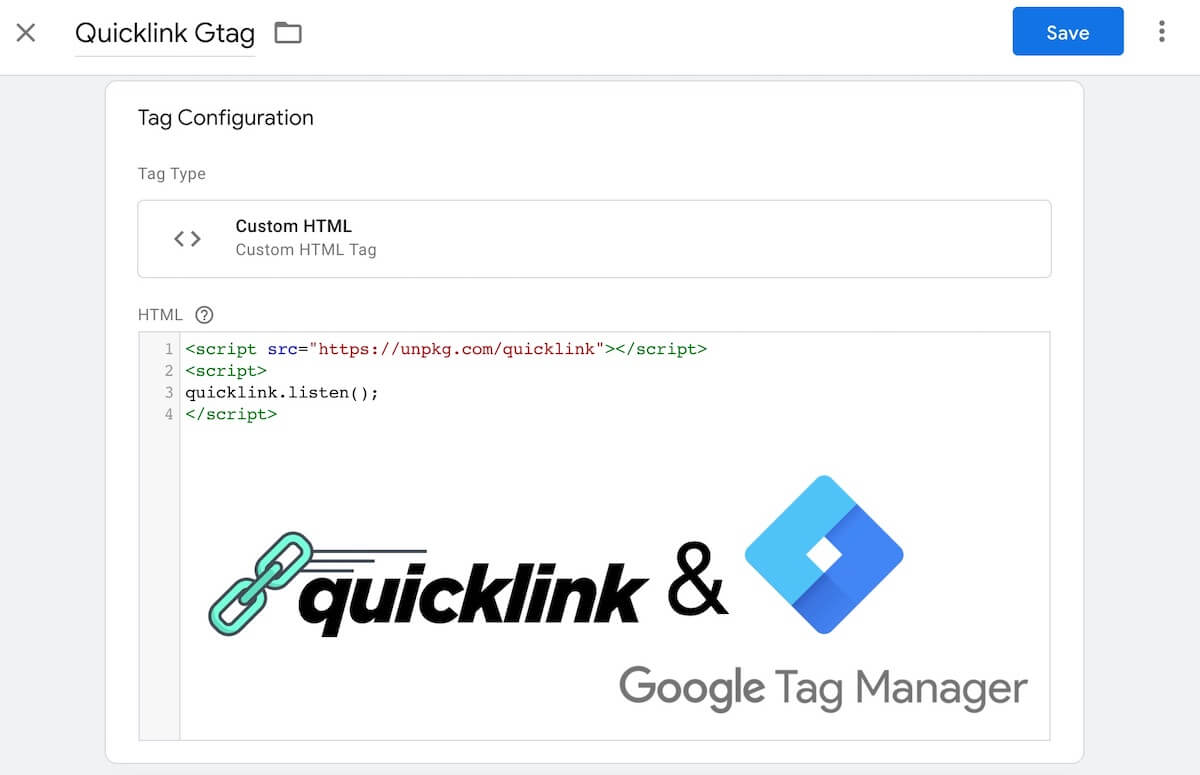
This speeds up secondary pageviews: whenever a user clicks around on your website.
Quicklink is gentle on the user’s device
Quicklink is a Google Labs project, implemented to be gentle on the processing power and the network connection of the user.

Set it up in 5 steps
- Go into Google Tag Manager and select your Workspace.

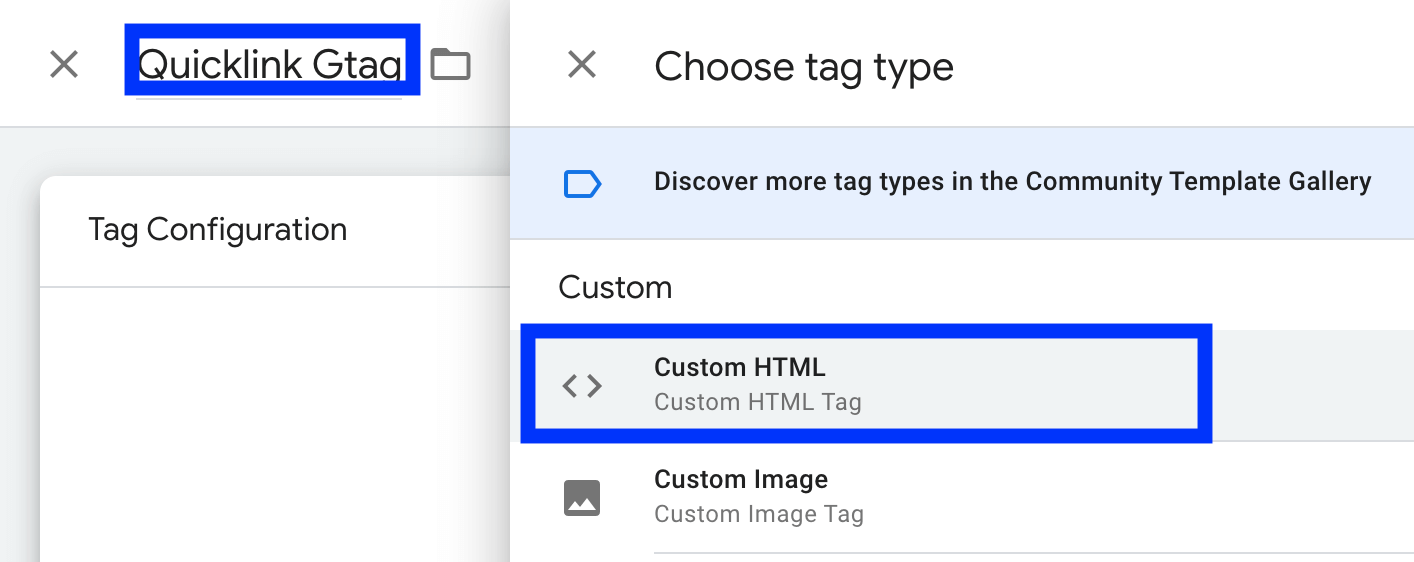
- Create a new tag. Name: Quicklink Gtag. Tag Type: Custom HTML.
- Copy and paste this code into the tag:
<script src="https://unpkg.com/quicklink"></script>
<script>
quicklink.listen();
</script>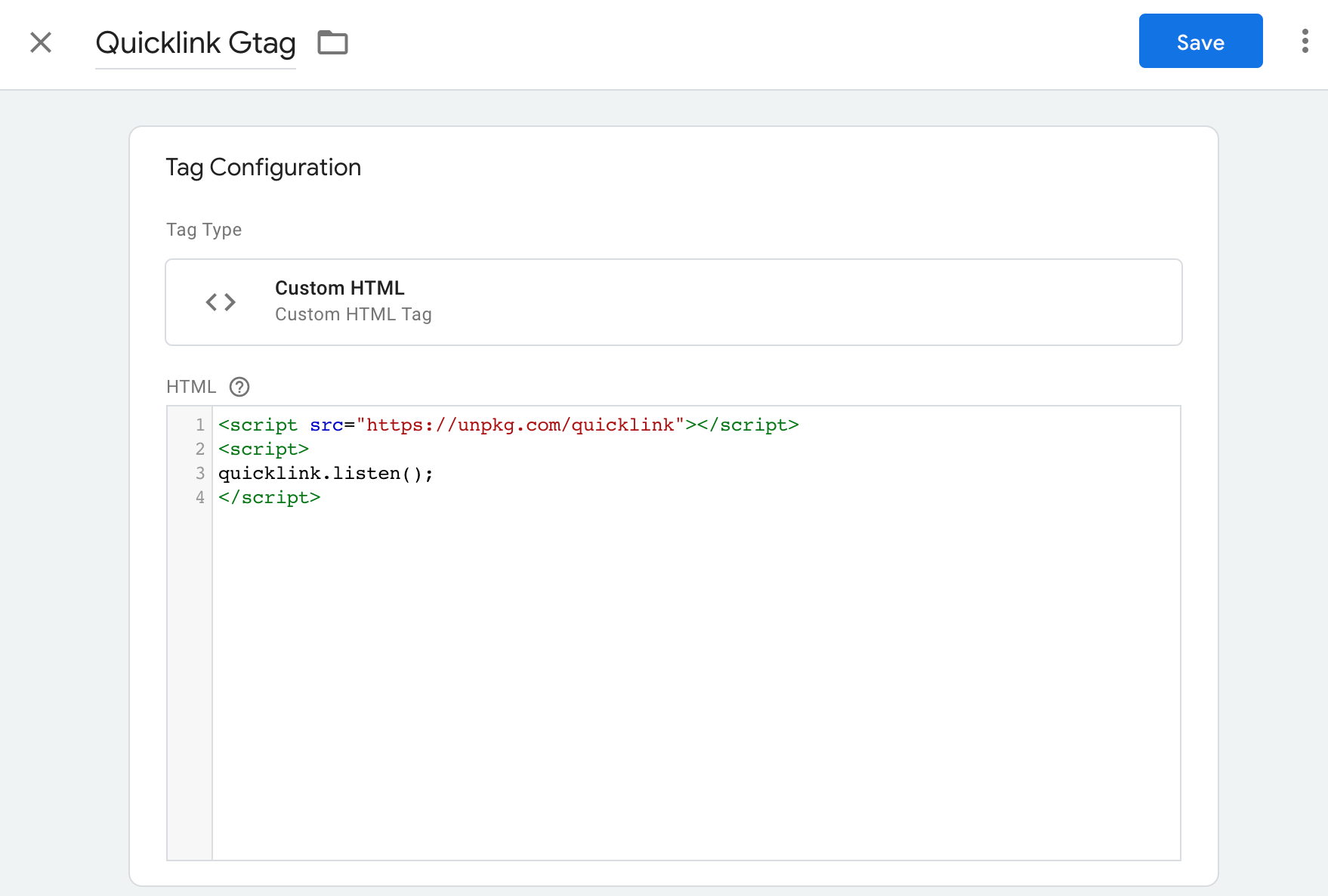
- unpkg.com is a fast, free, global content delivery network for javascript packages.
- https://unpkg.com/quicklink always points to the newest quicklink version.
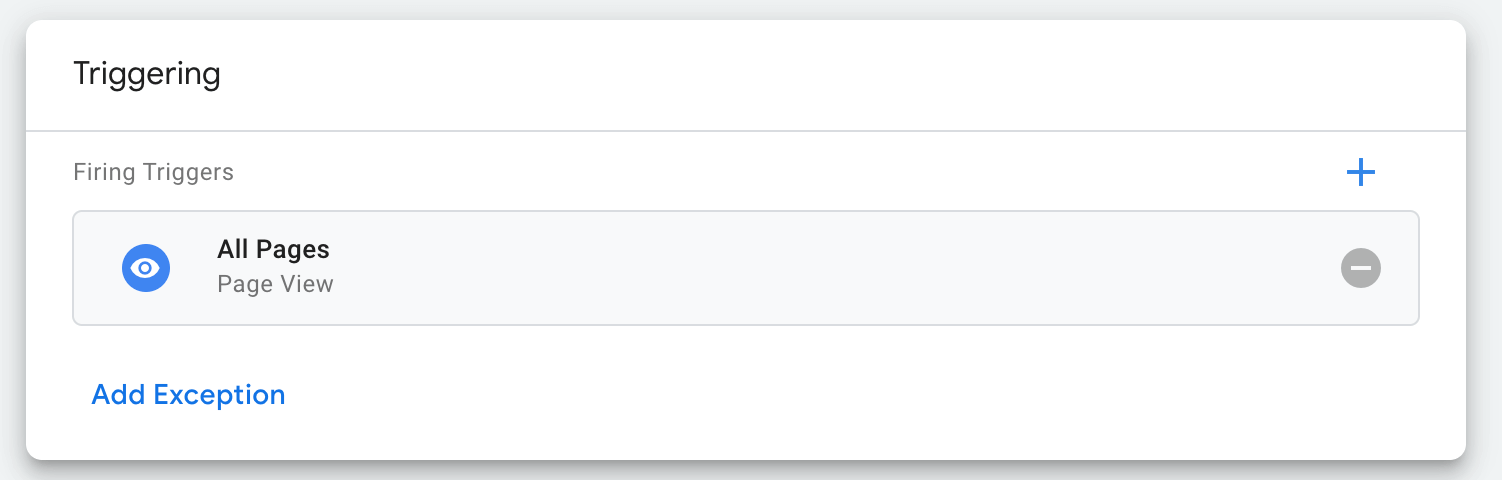
- Trigger the tag. Either on all pages:
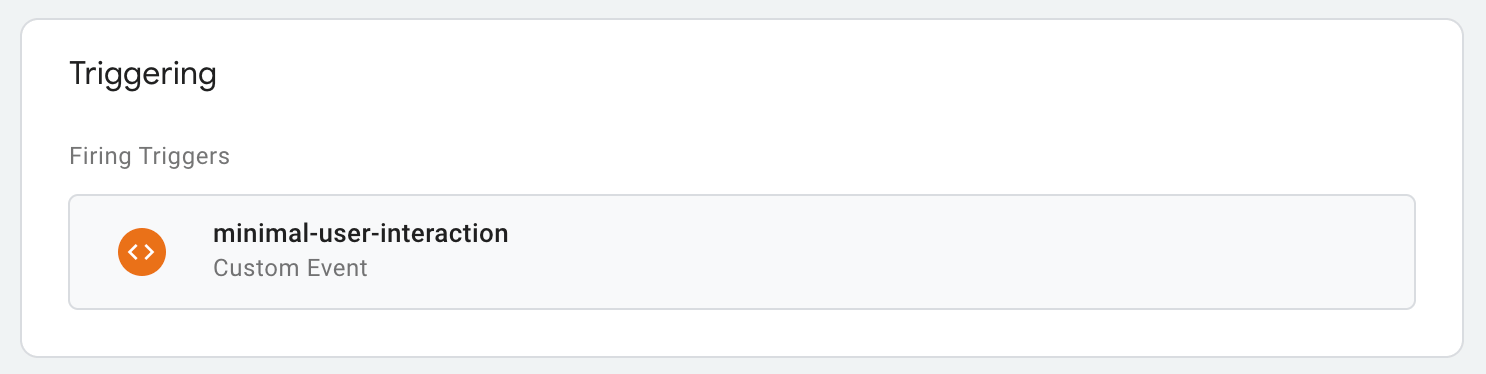
Or much better, on minimal user interaction (my previous post):
- Click on “Submit” and finish the publish process. Visit your website and go to the next page: it loads faster.


More Google Tag Manager hacks
On LinkedIn and Facebook. Google Tag Manager is like root access to a website, without any deployment hassle.